
STEP 1 | PRE-Branding
on-boarding meeting
You have a on-boarding meeting coming up with the Creative Lead.
You MUST come prepared by completing steps #1.1-#1.4
prior to your on-boarding meeting.
Promise?

What happens on the 60-minute call
Program Timeline
Establish your Branding colors & positioning
Provide personalized branding homework
Summarize your to-do list & any questions
Please save your questions for the END of the on-boarding meeting. We only have 60 minutes
Step #1.1
[Email us your your current email signature]
💡 YES, even you if you're totally outdated or if you don't have one.
Open your email, compose new email
Email [email protected] with your signature visible
Subject Line:
CBA Program [First Last Name - Email Signature]
Example:
CBA Program Paula Hlavacek - Email Signature
SEND 📬
Step #1.2
[Sign up to Canva]
Since we will be building your UGC portfolio in Canva, make sure you're signed up before the call!
Canva is FREE however we do recommend getting Canva Pro later on.
You don't need a custom domain however if you want one, we can help set that up for you after branding-delivery.
Right now please [Watch Video on the right]
#1: Create Canva Folder [Name it Wovvo UGC Branding]
#2: Bookmark the canva folder in your browser bookmarks.
#3: Add your UGC portfolio inside the Canva folder
Step #1.3
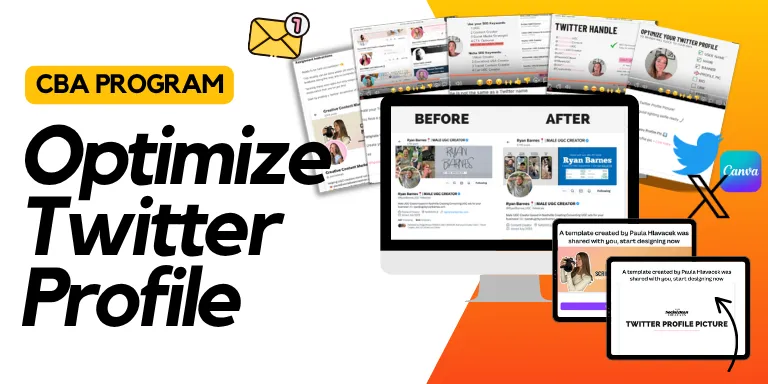
[COMPLETE TWITTER SET-UP]
Since we will be applying to UGC opportunities on TWITTER, you need an account! (non-negotiable)
Right now, we need you:
Pick your handle & name [we do the rest]
Step #1.4
[Explore Wovvo App]
We're considering having your AM (Autopilot Manager) apply on your behalf on other UGC paltforms.
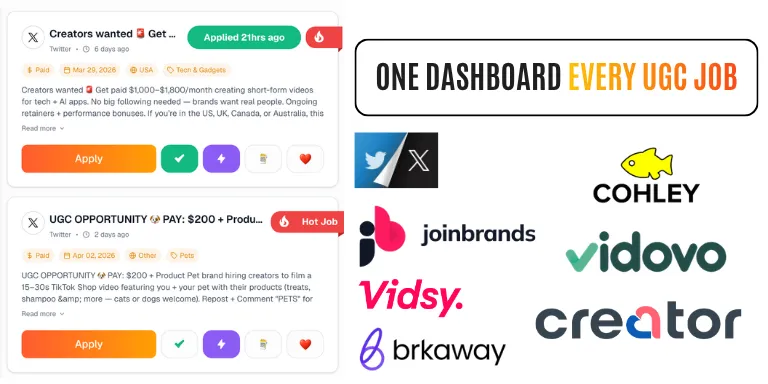
Please explore Wovvo's Platforms that are included in Wovvo.
Log into Wovvo App
Toggle "platforms" explore platforms make sure you're optimized on the ones you want to dominate it.
Do not do ALL, just pick top 4 (including Twitter/X)
Step #1.5
[ Get your PHOTOS ready inside your Canva UGC Portfolio]
In Step #1.2, you added a blank page to your Canva website. Now it’s time to start adding your photos to prepare for brand building.
Watching the videos below is required before your onboarding call. This ensures you understand Wovvo’s quality standards, as you’ll be assigned personalized branding homework.
⭐️ Add your best photos to your Canva page
Include a variety of photo related to your brand (headshots, lifestyle, etc.)
Have pets? Add photos of them too, brands pay for pet content
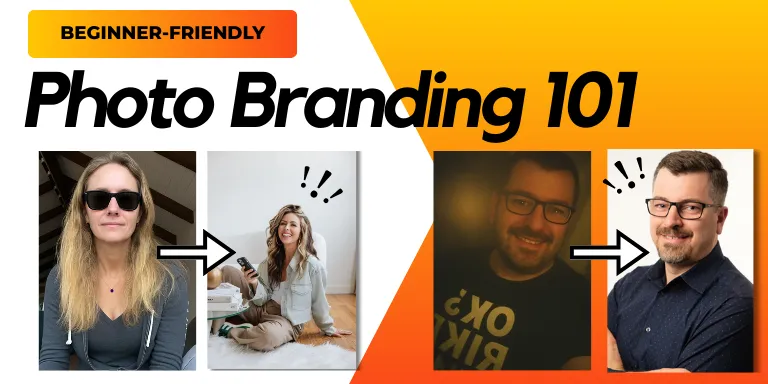
"How to take pictures of yourself" complete re-brand for your portfolios
🎬 30-minute video

"How to take proper UGC photo"
🎬 38 minute video
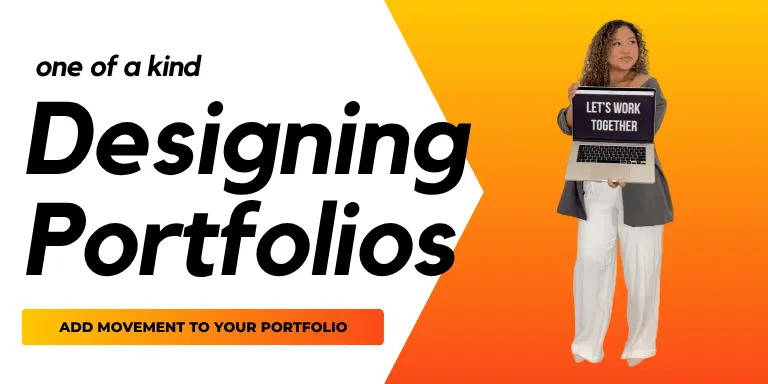
Portfolio Building: Turn Moments Into Motion
🎬 14 minute video
👀 Want to go the extra mile?
[ Not Mandatory however it helps the building process if
start adding your vision board inside your UGC portfolio]
Start building your branding-vision board inside your personal Canva UGC portfolio (the one you shared your link to us) → just add extra page on bottom
If you just signed up for Canva → "Create new website" and start adding everything there
On-boarding meeting prep completed ✅
You're ready for the on-boarding meeting!
IF you'd like, you can get a head start on Part #2 Branding Coursework to stay ahead of schedule.

Step 1
Pre-onboarding
Meeting
Must complete this step
before your on-boarding meeting
Week 1

Step 2
Branding Homework
& Coursework
After your on-boarding call you can start! Must complete before booking branding-delivery call.
(we're building your portfolio during this time)
Week 2-3

Step 3
Branding-Delivery ready
Your branding is complete, you'll receive and email to book your call. Here's how to prep for your call.
Week 3/4 (Mandatory)

Step 4
Autopilot
Complete all pre-autopilot homework prior to joining Autopilot Channel. After the call your CSM will reach out to you to get-started.
Week 4

Have Questions?
We recommend googling your tech problem first & using ChatGPT
Go to our FAQ page and see if your question has been answered
If it has not, ask your question in the FAQ page and we will respond within 72 hours
If you're still having problems you may book a call with our team.